Arnoxis PlyTrack / in build
Arnoxis PlyTrack
Manufacturing execution and inventory software for plywood factories. Tracks stock, production and dispatch in one system.
- Multi-tenant
- Row-level security
- Offline PWA
- GST invoicing
Why it exists.
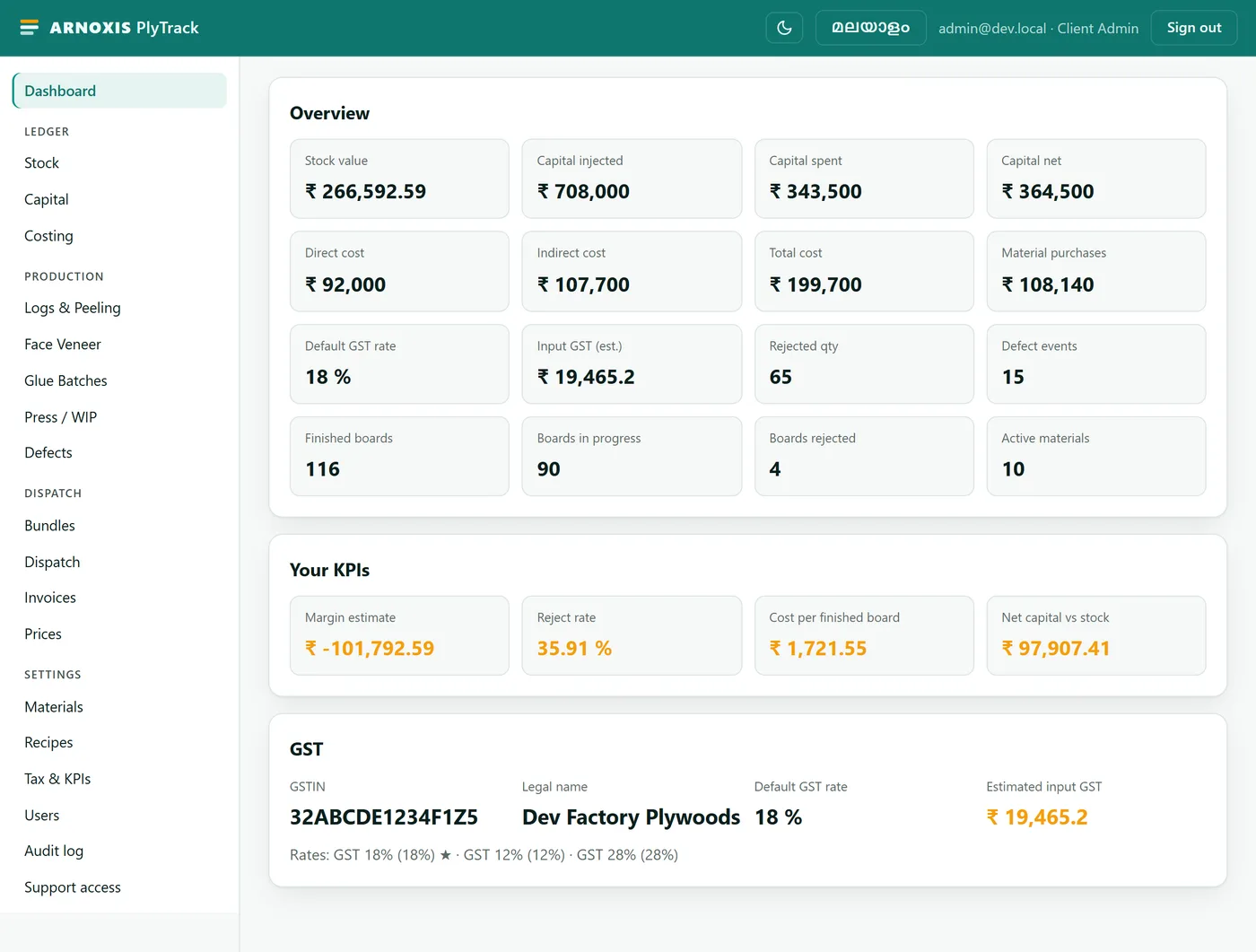
Most plywood factories still run on a paper ledger: stock, production, cost and dispatch tracked by hand and reconciled at month end. PlyTrack replaces that with one system that tracks every log, every press run and every rupee, and turns a dispatch into a compliant GST invoice on its own.
Every stage, one ledger.
- 01
Logs & Peeling
Timber intake by volume, moisture and cost. Peeled into core veneer and scrap, both added to stock.
- 02
Face Veneer
Quantity graded by thickness and a client-defined grade, added to stock with an in-stock-by-grade summary.
- 03
Glue Batches
Actual per-batch component amounts deducted from bulk stock, the mixed glue added in their place.
- 04
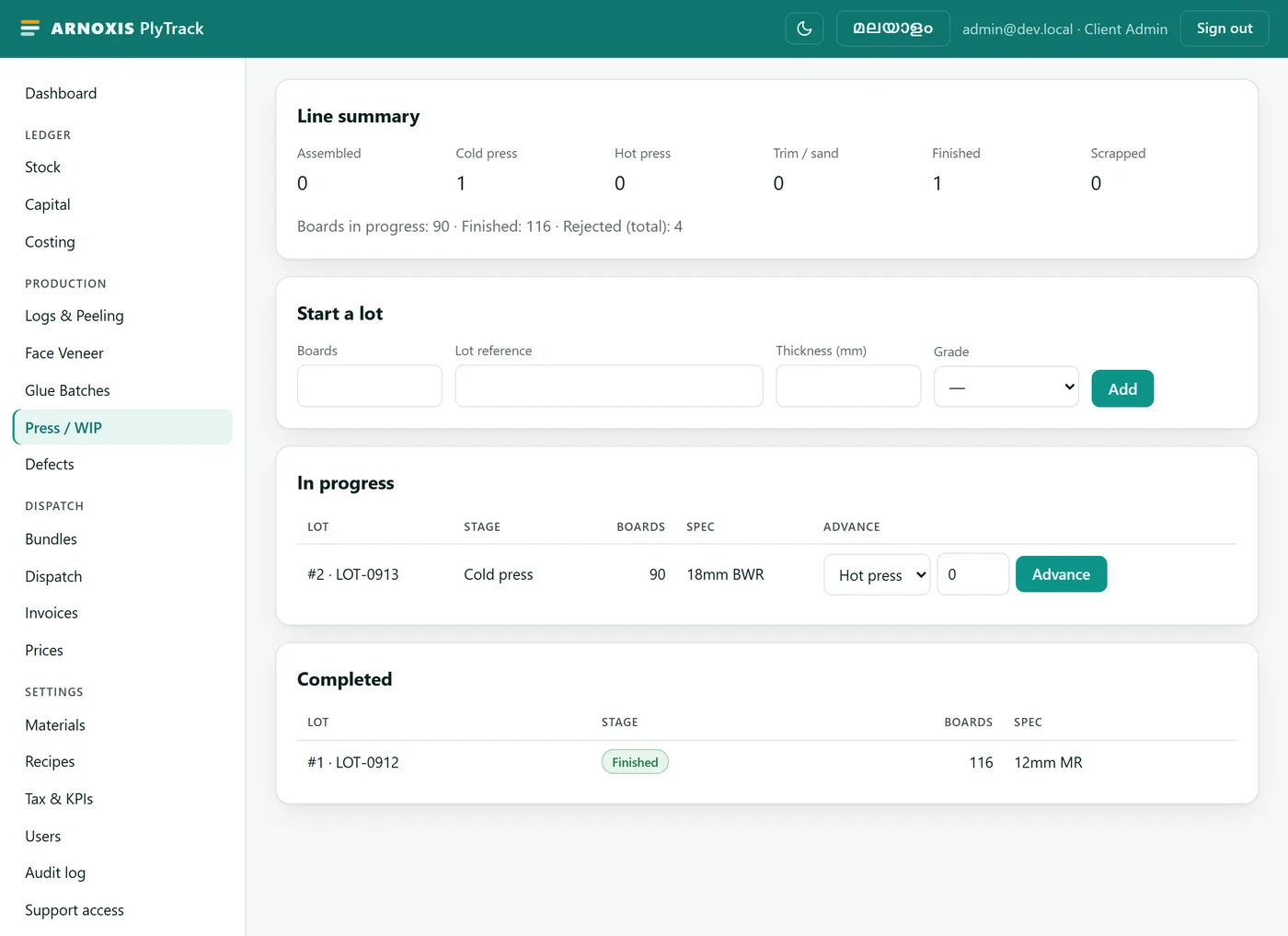
Press / WIP
A board lot moves assembled, cold press, hot press, trim and sand, finished or scrapped, with reject counts per stage.
- 05
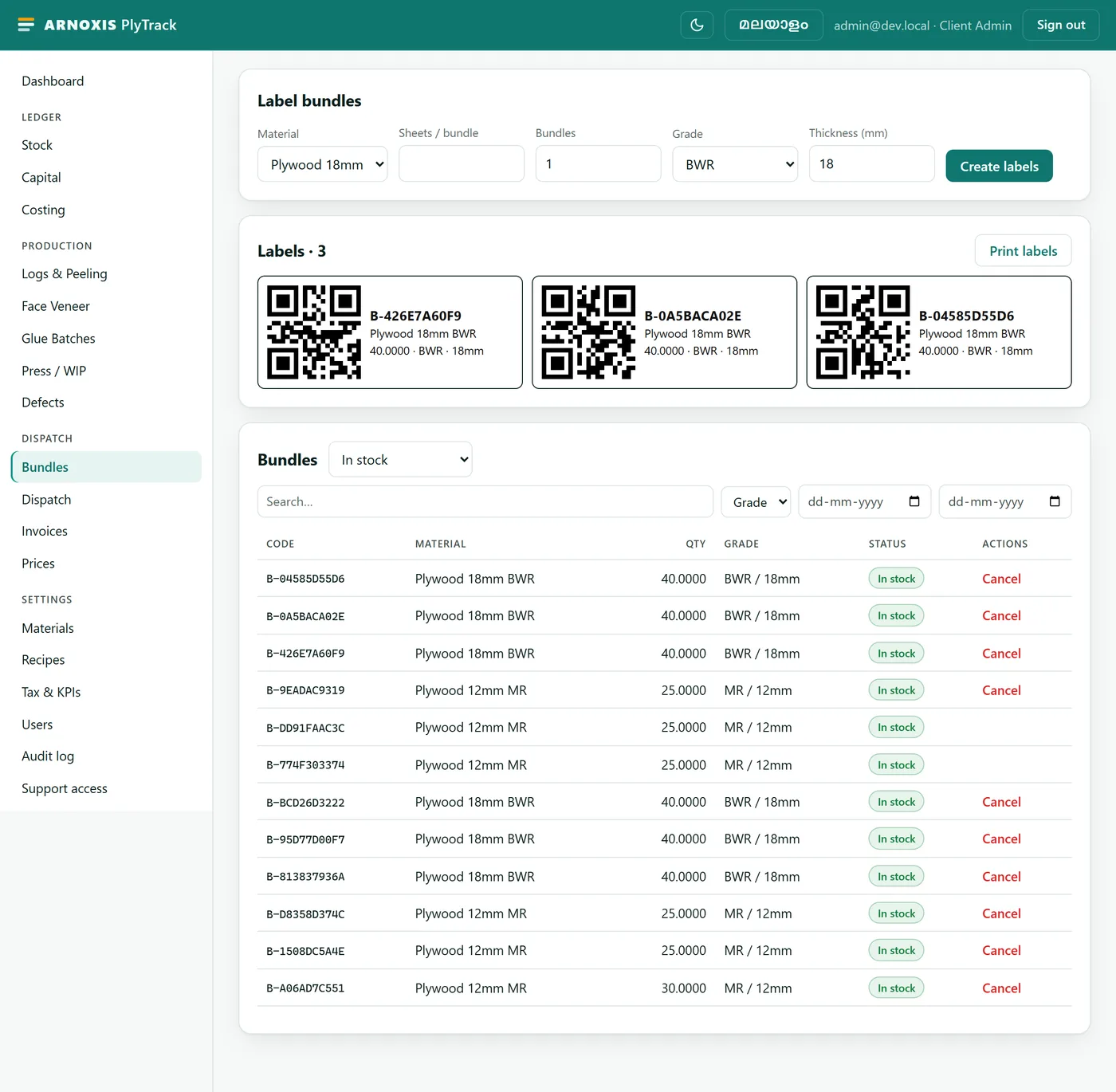
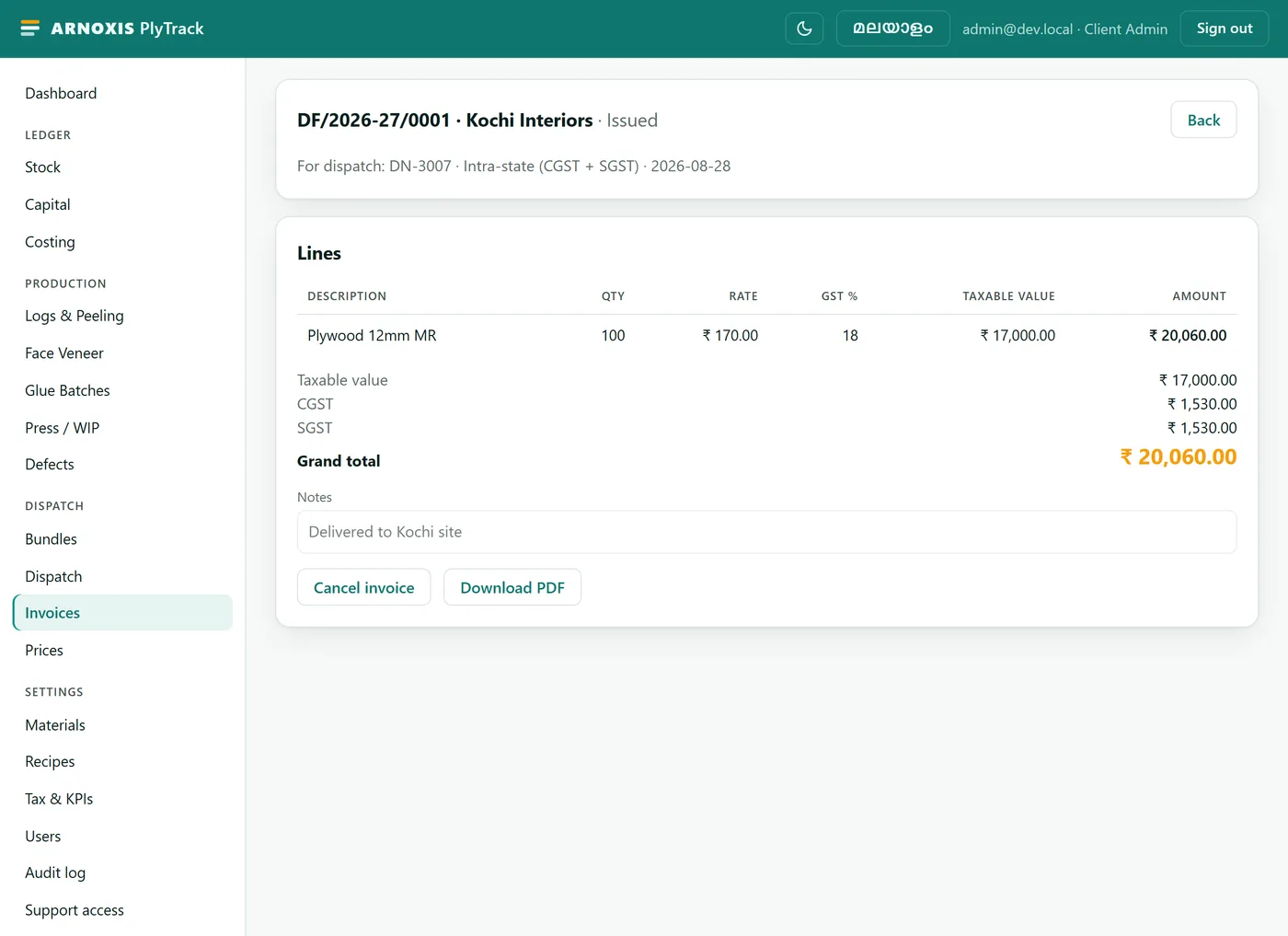
Dispatch & Invoice
Finished boards are bundled, QR-labelled, scanned out on dispatch, and billed as a GST invoice automatically.
See how it works
What's in it.
Track
Dispatch & bill
Control
Tenant isolation, enforced at the database.
Every business table has Postgres row-level security enabled and forced, not just checked in the API. One factory's data cannot be read through another factory's connection, even if the application code has a bug.
- Automated tests
- 201, run against real PostgreSQL
- Security review
- Full adversarial pass, 28 Aug 2026
- Audit trail
- Every mutation logged, append-only
The essentials.
- Stack
- React PWA, FastAPI, PostgreSQL
- Access
- Manual onboarding, no public signup
- Offline
- PWA with a queued write sync
- Status
- In build, not yet deployed
Onboarding is manual: the Arnoxis team creates your factory record and first admin login, then your admin sets up staff, materials, recipes and tax settings from inside the app. No public signup.
Request access.
Tell us about your factory and we'll set up your account by hand. No public signup, so this is how it starts.
Received
Thanks. We'll be in touch by email to set up your factory.